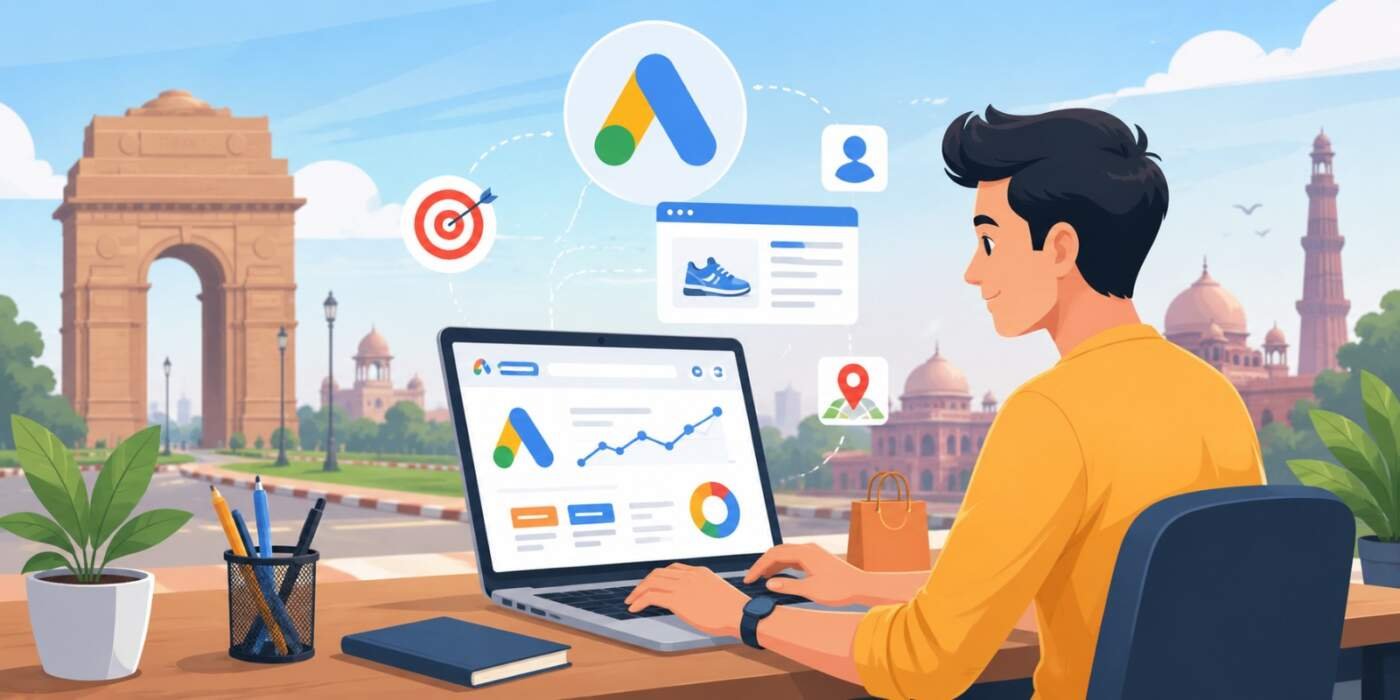

Running Google Ads for small business in Delhi can transform how local customers find your shop, clinic, or service. In a fast-moving city like Delhi, where competition is intense and customers search on mobile while stuck in traffic, smart Google Ads campaigns deliver quick leads without massive budgets.
Whether you are a first-time advertiser or have lost money before, this guide cuts through the confusion. You will learn how to target the right local audience, create high-converting ads, manage budgets wisely, and avoid common pitfalls that drain ad spend. Let’s dive in and make your Google Ads work for your neighborhood business.
Why Google Ads Matter for Small Businesses in Delhi Right Now
Delhi’s market is crowded. Big brands dominate broad searches, but small businesses win by focusing on hyper-local intent. Google Ads for small business in Delhi gives you immediate visibility on Page 1 when people search for services you offer. Unlike SEO, which builds over months, paid search can bring leads within hours of going live.
In 2026, mobile-first searches, voice queries, and location-based intent dominate. Customers type “AC repair near me” or “best dentist in Dwarka” while on the move. If your ad appears at the right time and place, you capture that ready-to-buy traffic. The key is running campaigns like a smart local business, not a global corporation.
Part 1: Master Location Targeting – The 5-Kilometer Rule
One of the biggest mistakes when setting up Google Ads for small business in Delhi is targeting the entire city or NCR. Delhi is massive. A customer in Rohini is unlikely to travel two hours for a haircut in South Extension.
Use Radius Targeting (also called Geofencing). Drop a pin on your exact shop address in Google Ads and set a 3–10 km radius. This ensures you only pay for clicks from people who can realistically visit.
Benefits of radius targeting:
- Lower wasted spend on distant clicks.
- Higher conversion rates because nearby users trust local businesses.
- Better Quality Score as relevance improves.
- Longer budget life.
For example, a premium salon in South Extension should target a tight radius around their area instead of all of Delhi. Test different radii (start with 5 km) and check performance in the Locations report.
Part 2: Optimize Your Website Before Spending on Ads
Your website is your digital storefront. Sending expensive Google Ads traffic to a slow or unprofessional site is like handing out beautiful flyers to an empty, dirty shop people leave immediately.
Essential website elements for 2026:
- Lightning-fast loading speed: Delhi users are impatient on mobile networks. Aim for under 3 seconds load time. Use lightweight WordPress themes, caching plugins like WP Super Cache, and optimize images.
- Mobile responsiveness: Most searches happen on phones. Test with Google’s Mobile-Friendly Test tool.
- WhatsApp integration: Add a floating “Chat on WhatsApp” button. It converts visitors faster than lengthy contact forms.
- Trust signals: Include clear About Us, Contact Us (with real address and map), testimonials, and Privacy Policy pages. These also help with future Google AdSense approval if you want to monetize content.
Before launching ads, run a full site audit. Fix broken links, ensure clear calls-to-action (CTAs), and make booking or contact effortless. A strong landing page can double your conversion rate.
Part 3: Keyword Research – Think Like a Local Delhi Customer
Keywords power Google Ads for small business in Delhi. Focus on high-intent, location-specific terms that reflect real search behavior, including Hinglish.
High-intent keyword examples:
- Bad: “photography” → Good: “budget wedding photographer in Pitampura”
- Bad: “AC service” → Good: “fast AC repair wala near me Okhla”
- Bad: “tax consultant” → Good: “GST registration consultant in Connaught Place”
Use Google Keyword Planner, Google Trends, and your own search term reports. Include long-tail keywords they cost less and convert better.
Negative keywords are crucial. Add terms like “free”, “cheap”, “second hand”, “jobs”, “training”, “sarkari”, and irrelevant services. This prevents your ad from showing on low-quality searches and protects your budget. Regularly review the Search Terms report and expand your negative list.
Part 4: Write Compelling Ads That Stand Out
Your ad must grab attention among 3–4 competitors at the top of search results.
Proven ad formula for local businesses:
- Headline 1: Service + Location (e.g., “Best Pest Control in Janakpuri”)
- Headline 2: Offer or Benefit (e.g., “20% Off First Service – Book Now”)
- Headline 3: Trust Builder (e.g., “10+ Years Serving West Delhi”)
Use ad extensions generously:
- Call extensions: Let users call directly from the ad.
- Location extensions: Show your address and distance.
- Sitelink extensions: Direct to specific services or offers.
- Structured snippets: Highlight services or features.
Test multiple ad variations and let data decide the winner. Focus on benefits, urgency, and local relevance.
Part 5: Create Dedicated Landing Pages
Never send traffic to your homepage. Create specific landing pages for each major service or offer.
For a dental clinic advertising “Painless Root Canal in Dwarka”, build a page that:
- Addresses the exact problem (pain, cost, procedure time).
- Shows before-after photos, patient reviews, and clinic images.
- Includes clear pricing or offers.
- Features a prominent CTA button like “Book Appointment via WhatsApp”.
This relevance improves Quality Score, lowers CPC (Cost Per Click), and boosts conversions. Use tools like Elementor or Gutenberg in WordPress for quick creation.
Part 6: Budgeting and Bidding Strategies for Small Businesses
You don’t need lakhs to start Google Ads for small business in Delhi. Begin with ₹500–₹1,000 per day as testing budget.
Smart budgeting tips:
- Start with Manual CPC bidding to control costs (e.g., max ₹15–₹30 per click depending on competition).
- Use ad scheduling: Show ads only during your business hours (e.g., 9 AM–8 PM).
- Monitor daily spend and pause underperforming campaigns.
- Once you identify winning keywords, gradually increase budget.
In 2026, automated strategies like Maximize Conversions can work well once you have conversion tracking set up, but beginners should stick to manual control.
Part 7: Ongoing Optimization – The Weekly Audit
Treat Google Ads like a garden. Regular maintenance is essential.
Every week:
- Review Search Terms report → Add new negatives.
- Check ad performance → Pause losers, create better variations.
- Analyze device and location reports → Adjust bids (e.g., higher for mobile in high-conversion areas).
- Monitor Quality Score and landing page experience.
Tools like Google Ads Editor help manage campaigns efficiently.
Additional Advanced Tips for 2026 Success
- Conversion tracking: Set up proper tracking for calls, form submissions, and WhatsApp clicks. This data powers smarter bidding.
- Remarketing: Show ads to previous website visitors for higher conversion rates at lower costs.
- Local Services Ads: If eligible (plumbers, electricians, etc.), these appear with a “Google Guaranteed” badge and charge per lead.
- Hinglish & Hindi keywords: Don’t ignore them. Phrases like “best AC repair near me” perform exceptionally well in Delhi.
- Competitor analysis: Use tools to see what others bid on and spy on their ad copy (ethically).
Avoid “Smart Campaigns” if you want full control. Expert Mode lets you fine-tune every element.
Final Thoughts
Succeeding with Google Ads for small business in Delhi comes down to relevance, discipline, and continuous improvement. Focus on your local neighborhood, speak your customers’ language, respect their time with fast-loading pages, and manage your budget wisely. When done right, you’ll generate consistent leads that help your business grow even in competitive markets.
Stop waiting for walk-ins. Get in front of customers exactly when they’re searching for your services.
For professional help setting up, optimizing, or managing profitable Google Ads campaigns tailored to Delhi businesses, visit helpmeinseo.com. Our team specializes in turning ad spend into real local customers with transparent strategies and measurable results.
Frequently Asked Questions (FAQs)
1. Kitna budget chahiye Google Ads start karne ke liye?
You can start with just ₹500 to ₹1,000 per day. This is enough for testing keywords and locations in the first 1-2 weeks. Once you find winning combinations, scale up gradually.
2. Google Ads se kitne din mein leads aane lagenge?
Unlike SEO, Google Ads can bring leads within hours. Many Delhi businesses see their first call or inquiry the same day the campaign goes live.
3. Kya Google Ads karna better hai ya SEO?
Both are important. Google Ads gives immediate results and quick sales, while SEO builds long-term free traffic. Most successful businesses run both together.
4. Competitor mere ads ko click karke paise waste kar sakta hai?
Google has strong invalid click protection. It automatically detects and refunds suspicious clicks from the same IP or device.
5. Sirf South Delhi ya West Delhi target kar sakte hain?
Yes. Radius targeting allows you to show ads only within 3km, 5km or 10km of your shop location.
6. Pehle paise barbaad hue the, ab kya galti avoid karun?
Avoid Smart Campaigns. Use Expert Mode, proper negative keywords, dedicated landing pages, and strict budget control.
7. Website zaroori hai ya Instagram/Facebook page chalega?
A proper website or dedicated landing page is essential. Sending paid traffic to social media profiles usually wastes money due to distractions.
8. Hindi aur Hinglish keywords use kar sakte hain?
Yes, and you should! Keywords like “AC repair wala near me”, “best dentist in dwarka”, and “pest control janakpuri” perform very well in Delhi.
9. Cost Per Click (CPC) high kyun hota hai?
Low Quality Score is the main reason. Improve ad relevance, landing page experience, and expected CTR to reduce CPC significantly.
10. Office hours ke baad ads chalane chahiye?
No. Use Ad Scheduling to run ads only during your business hours so you don’t pay for clicks when you can’t answer calls.